Audio Modeling – SWAM VariFlute v1.2.1 STANDALONE, VSTi, VSTi3, AAX x64
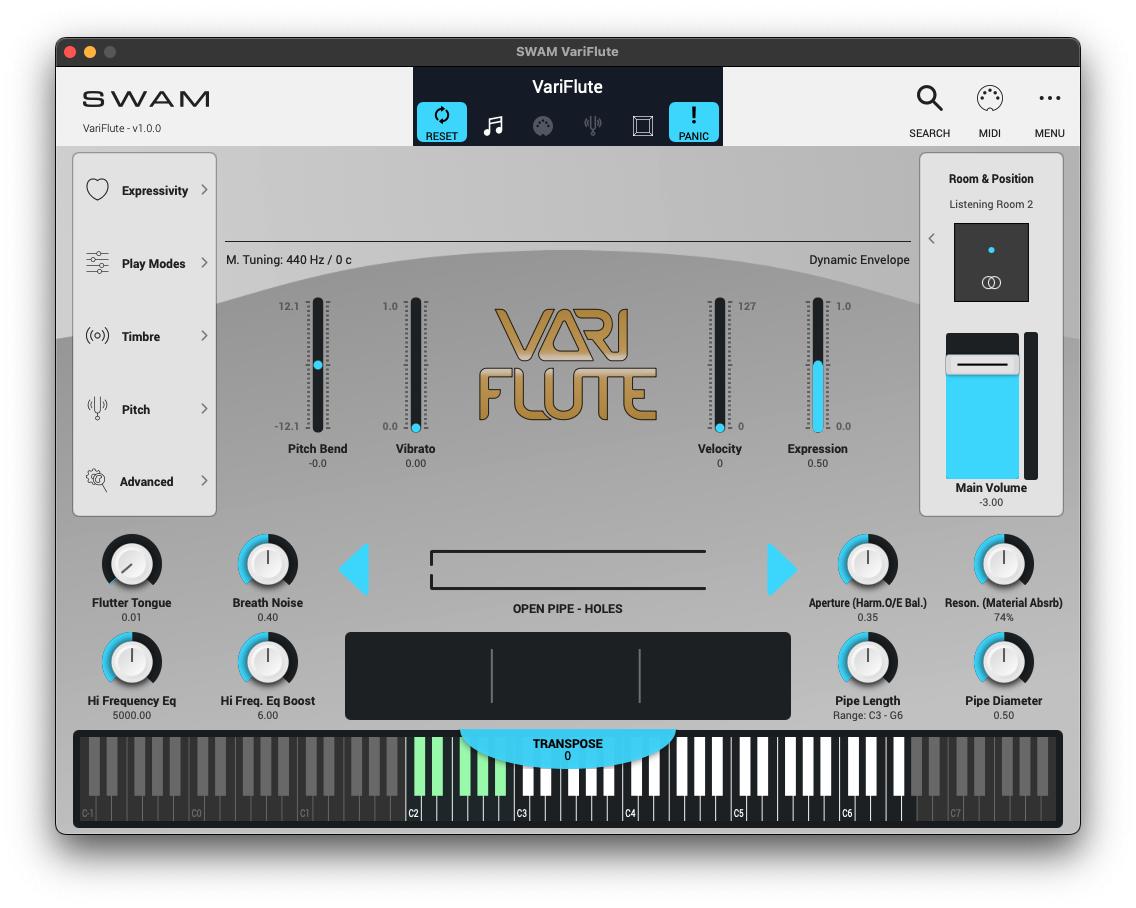
Discover the future of expressive digital instruments with SWAM VariFlute—the first release in our new Discovery Series, designed to introduce everyone to the audio modeling ecosystem. VariFlute is more than just a virtual instrument; it’s an invitation to explore a limitless world of sound. Based entirely on physical modeling, it gives you the freedom to create your own flutes—from recorders to pan flutes, from ancient to imaginary—by customizing size, material, diameter design, and more. Whether you’re a curious beginner or a seasoned creator, VariFlute infuses your musical journey with unparalleled realism and creative flexibility.
Installation/R2R
Audio Modeling KeyGen Release
[Access Block]
If you used previous versions and modified the hosts file to block network access,
you must DELETE all lines related to audio modeling.
Recent versions scan hosts files.
The program will not start if these lines are detected.
If you’re using AAX with an internet connection, you’ll need to block the PUBLIC connection with your firewall.
Blocking the private connection will limit functionality (see [Access Permissions]).
Standalone, VST2, and VST3 don’t require an access block (associated with R2R System Network Block Runtime).
[Access Permission]
Audio modeling plugins communicate with each other using winsock2.
This functionality may be limited if the private connection is blocked by a firewall.
[Uninstall/Clean]
Remove previous versions.
Uninstalling the Sound Modeling Software Center.
If you want to clean up, check the following folders.
- VST, VST3, AAX plugin folders
- “%APPDATA%\Audio Modeling\”
- “%PUBLIC%\Documents\Audio Modeling\”
[Setup]
Run “AMSC_Register.exe”. This tool generates two configuration files (XML) for
%PUBLIC%\Documents\Audio Modeling\Software Center\
If you want to configure more, do so at your own risk.
“AM_CommonSettings.xml” contains application settings, including the multicast network IP address and port.
“AM_Config.xml” contains path settings.
Install/Activate
- Install.
- Run our magic and register.
- Enjoy!
Note:
As of 2026, Audio Modeling licenses have been consolidated into a single file.
%APPDATA%\Audio Modeling\UserData\AM_KeyStore.swmk
This means you can no longer mix legitimate and cracked software.
In any case, our magic is a genuine keygen. Legit updates work as expected.
Keep in mind that legitimate updates are not always available. You need to block network access, like ProTools/AAX.
R2R TEAM 2026